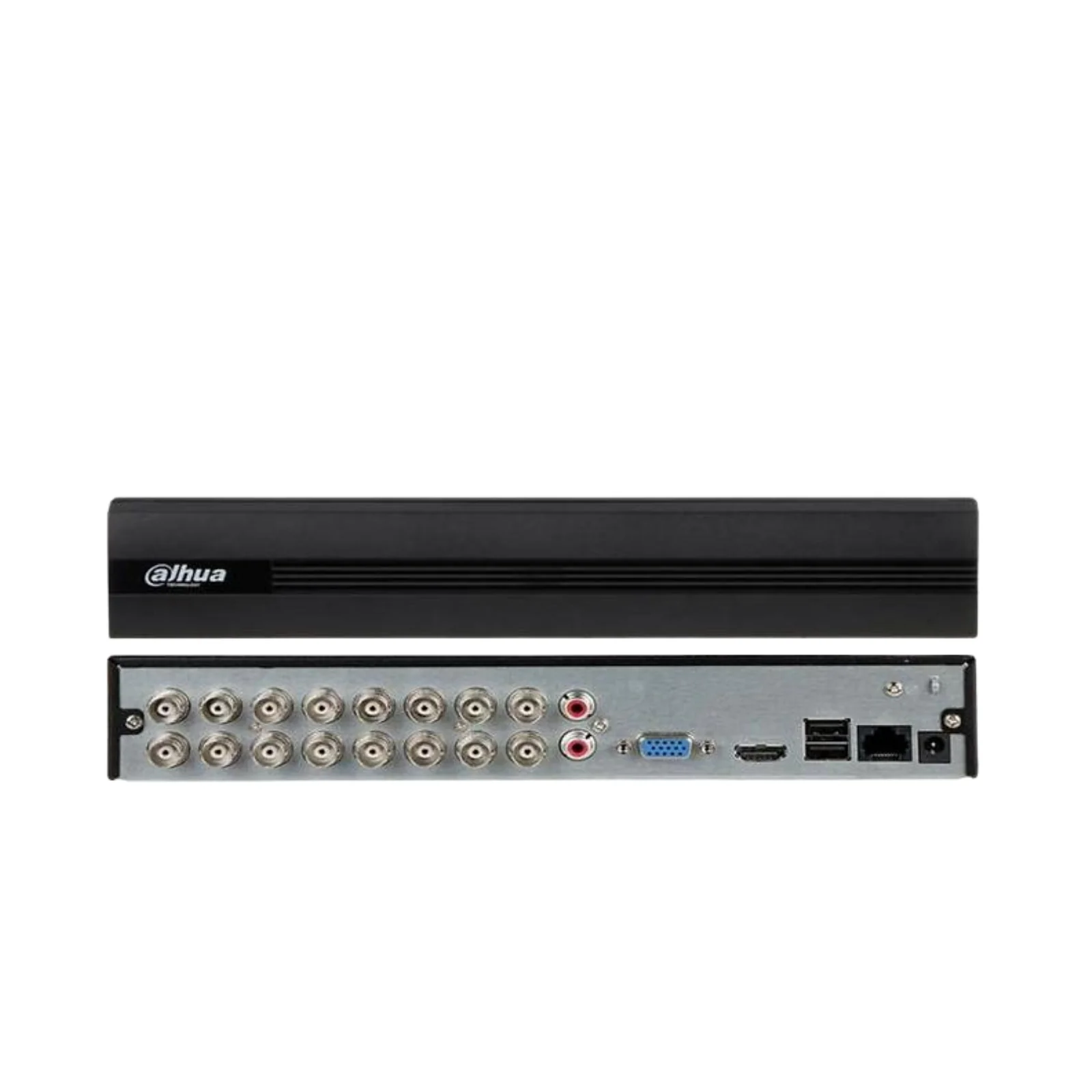
Dahua 16 Channel DVR-DH-XVR1B16-I, 1080p
₵1,300.00
₵1,170.00
10% OFF
Why Shop With Us
Fast Delivery
Delivery within 24-48 hours in Accra, 2-5 days nationwide
Secure Payment
100% secure payment options with SSL encryption
Easy Returns
7-day return policy for damaged or wrong items
24/7 Support
Dedicated customer support available anytime
Product Specifications
Channels:16-channel
Resolution:1080p
Storage:8TB+
Hard Drive Support: The DVR has 1 SATA HDD bay. The actual storage capacity is determined by the size of the hard drive you install. Common HDD Sizes: It typically supports large-capacity drives, commonly up to 6TB or 10TB (check the spec sheet for the maximum supported size). What Determines Usage: Number of Cameras: Recording 16 cameras uses more storage than recording 8. Recording Resolution: 1080p uses more space than 720p. Frame Rate (FPS): Higher FPS (e.g., 30 fps) uses more space than lower FPS (e.g., 15 fps). Recording Mode: Continuous recording uses the most space. Using motion-activated recording can drastically reduce storage usage. Video Compression: The type of compression (e.g., H.264, H.265) is critical. H.265 can reduce file sizes by about 50% compared to H.264, effectively doubling your recording duration.
Technical Specifications
Customer Reviews
This product has an average rating of 4.6 out of 5 stars based on 24 reviews.
Be the first to review this product!
.jpg)